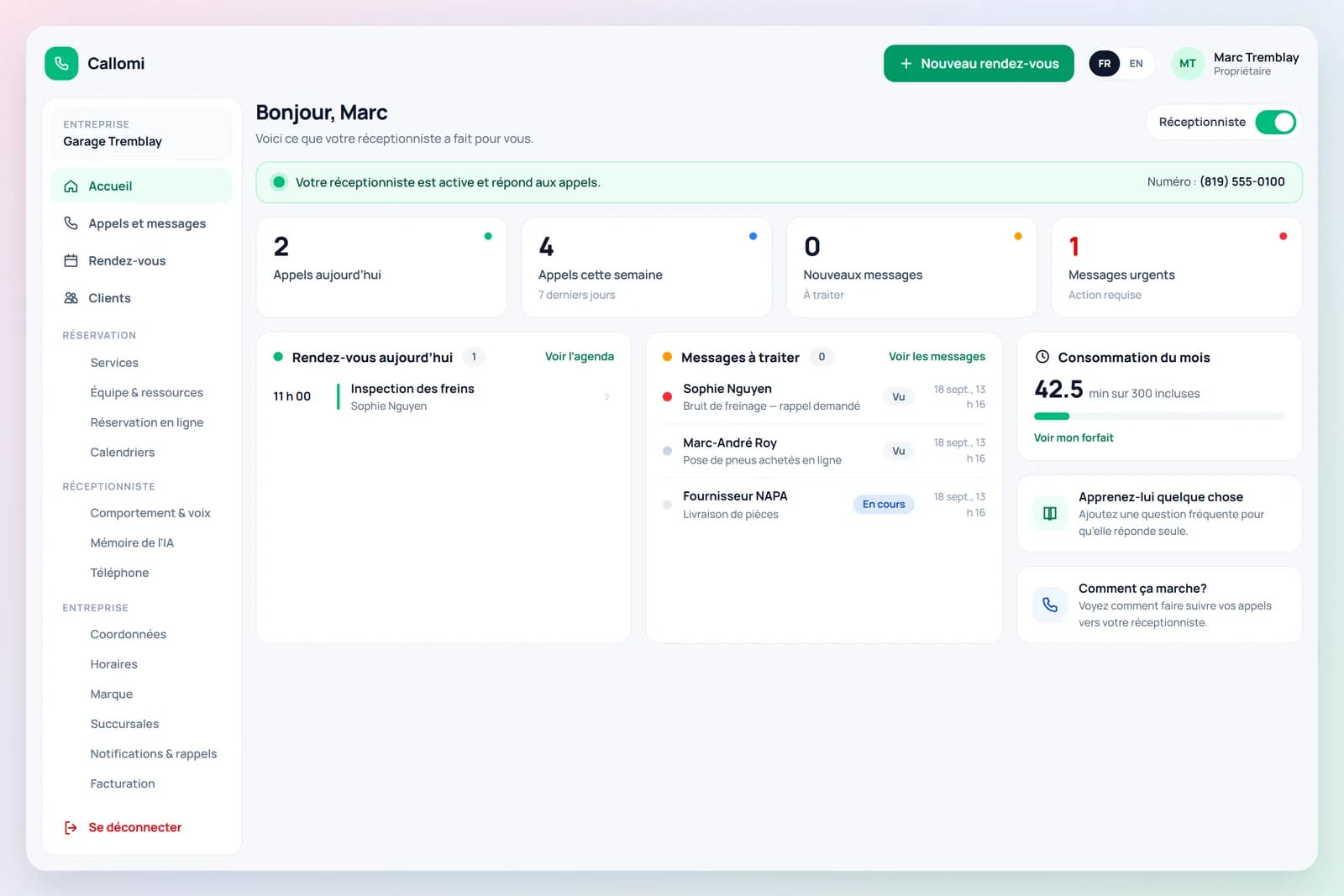
Ready in minutes, with no change for your customers
Configure your business once, then welcome customers through your booking link, website chat and phone. Need a hand? We set it up with you.
Start with the channels your customers use
See website chat setup →Your booking link
Share it on your website, Google and social profiles. Customers choose a service and a real available time.
Your website chat
Add allowed domains, choose a colour and position, and paste the embed code. The receptionist answers questions and helps visitors book consultations.
Your phone receptionist
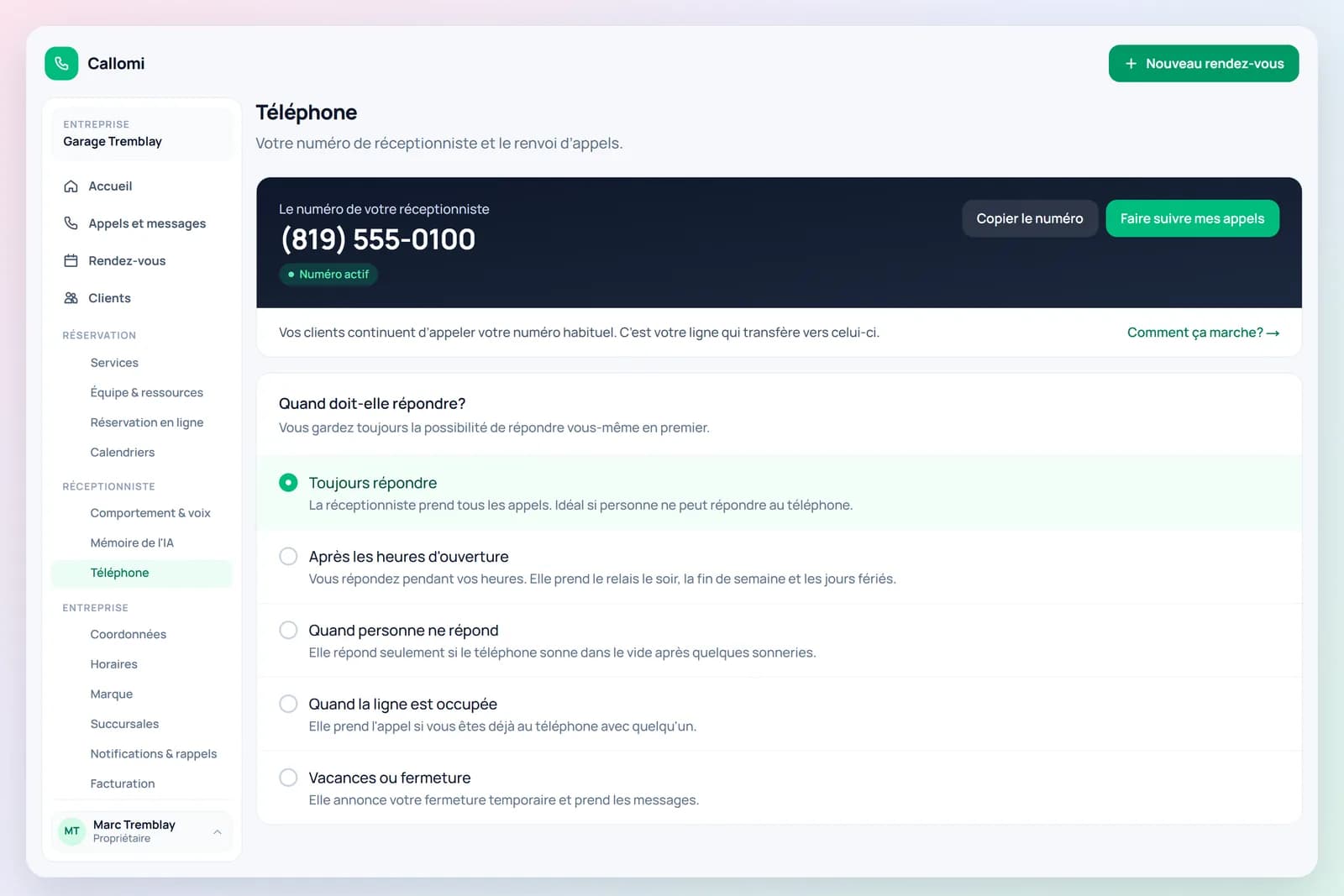
Forward your usual number to Callomi. She answers calls with the same knowledge and calendar rules as the chat.
The steps below describe setting up phone reception. Website chat is configured separately in your portal.
- 1
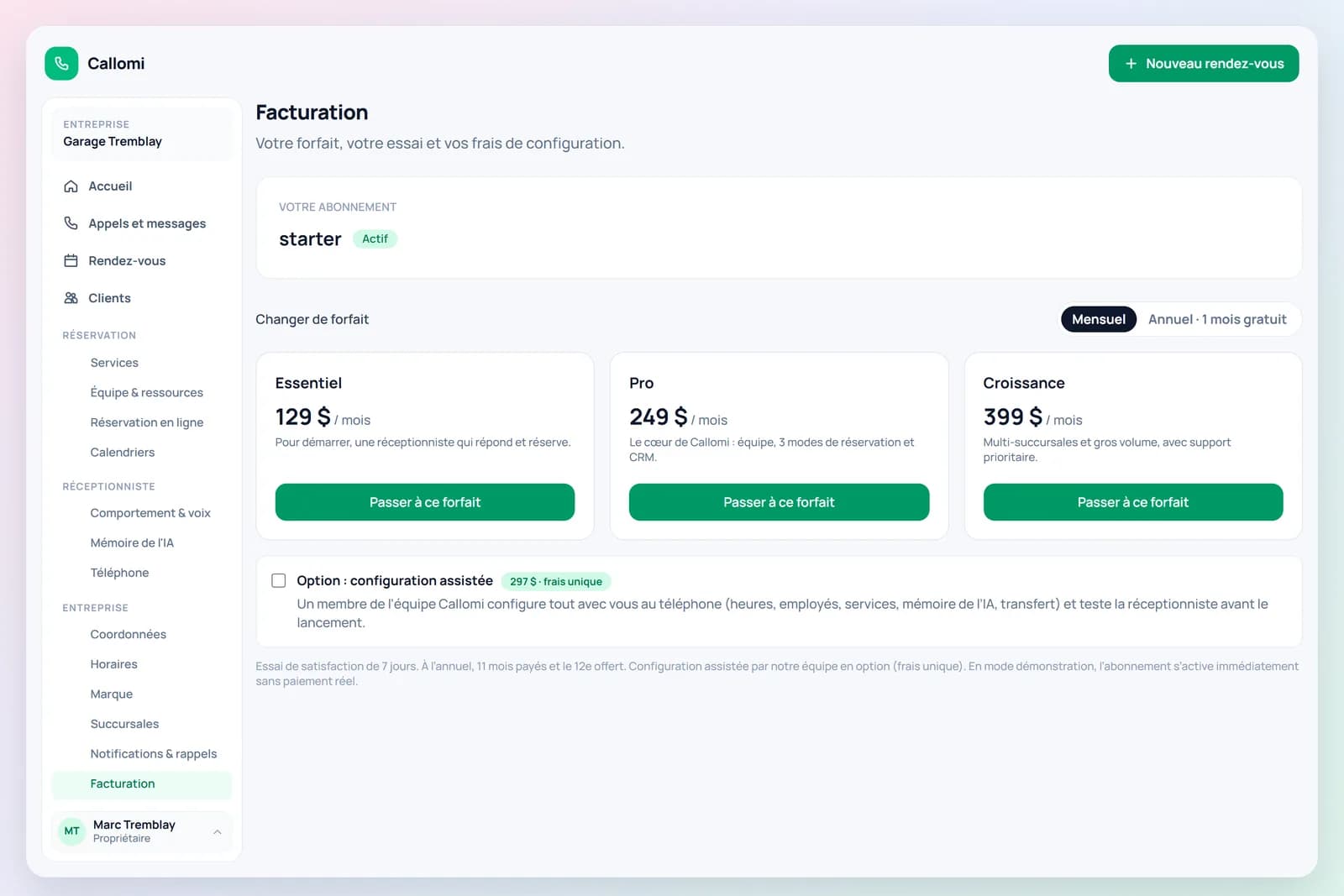
Create your account, confirm your email, pick a plan
Business name, your name, email, password. Confirm your email with our link, choose a plan (7-day trial, nothing charged before it ends) and your area code — your local Callomi number is assigned automatically.
- 2
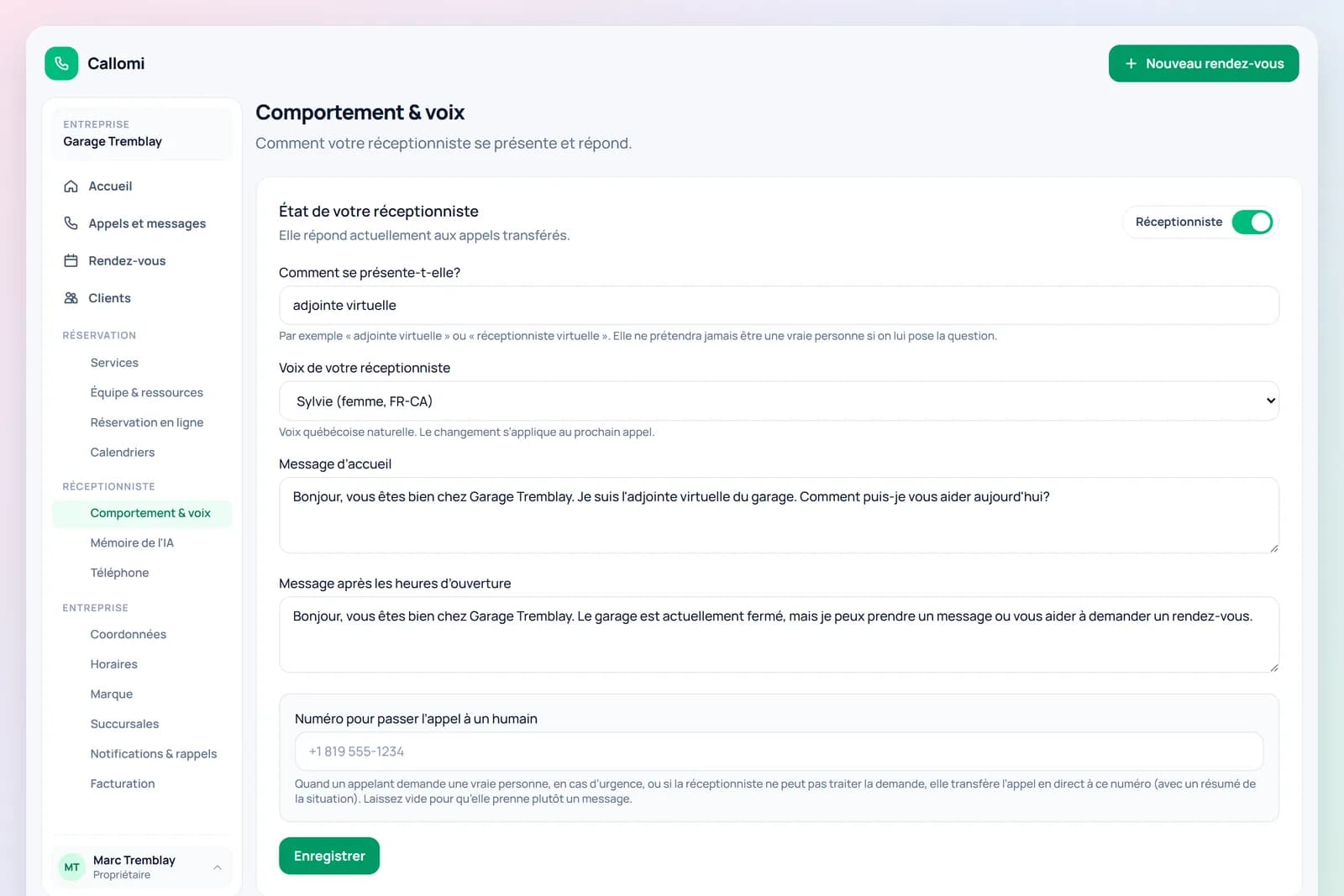
Set up in five minutes
Opening hours, your services (pre-filled for your trade) and their duration, your team, what to say and what not to. Connect Google Calendar or Outlook, or use the built-in calendar. Your online booking link is live right away.
- 3
A customer calls your usual number
Nothing changes for customers. You enable call forwarding once—there is no new number to reprint.
- 4
Your line forwards the call to Callomi
Choose when: always, evenings and weekends, or only when nobody answers.
- 5
Callomi answers with a natural voice
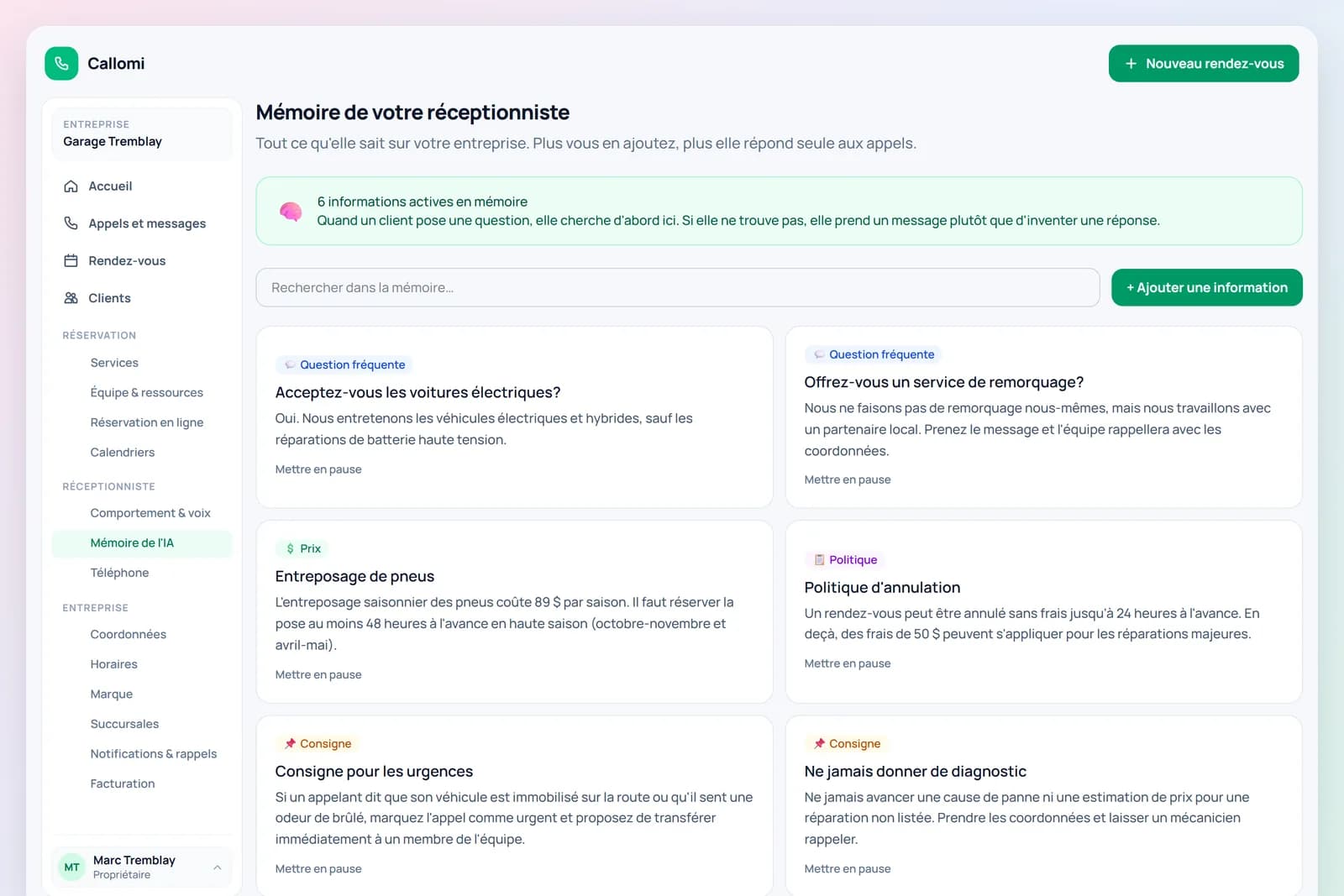
It greets callers in your business name, understands their request and speaks naturally in English or French.
- 6
It acts on what it knows about you
It answers questions, checks availability, books appointments or takes detailed messages.
- 7
Everything appears in your portal
Call summaries, messages and appointments appear in your account with the callback number.